

01
Set a delivery date and a simple prompt
Pick a recording deadline before the gift date. For a Saturday birthday, a Thursday evening deadline leaves room to check the messages on Friday. Treat that as a suggested schedule, not a promise that everyone will respond in two days.
Ask for a 15–30 second message with one specific memory. A clear prompt is easier to act on than “say something nice.” People can record separately, so you do not need to find a time when the whole group is online.
- Choose one organizer to keep track of the gift.
- Keep the recipient out of the invitation thread if it is a surprise.
- Use the recording link for contributors; keep the management link with the organizer.
02
Create a Voice Bouquet and find the recording link
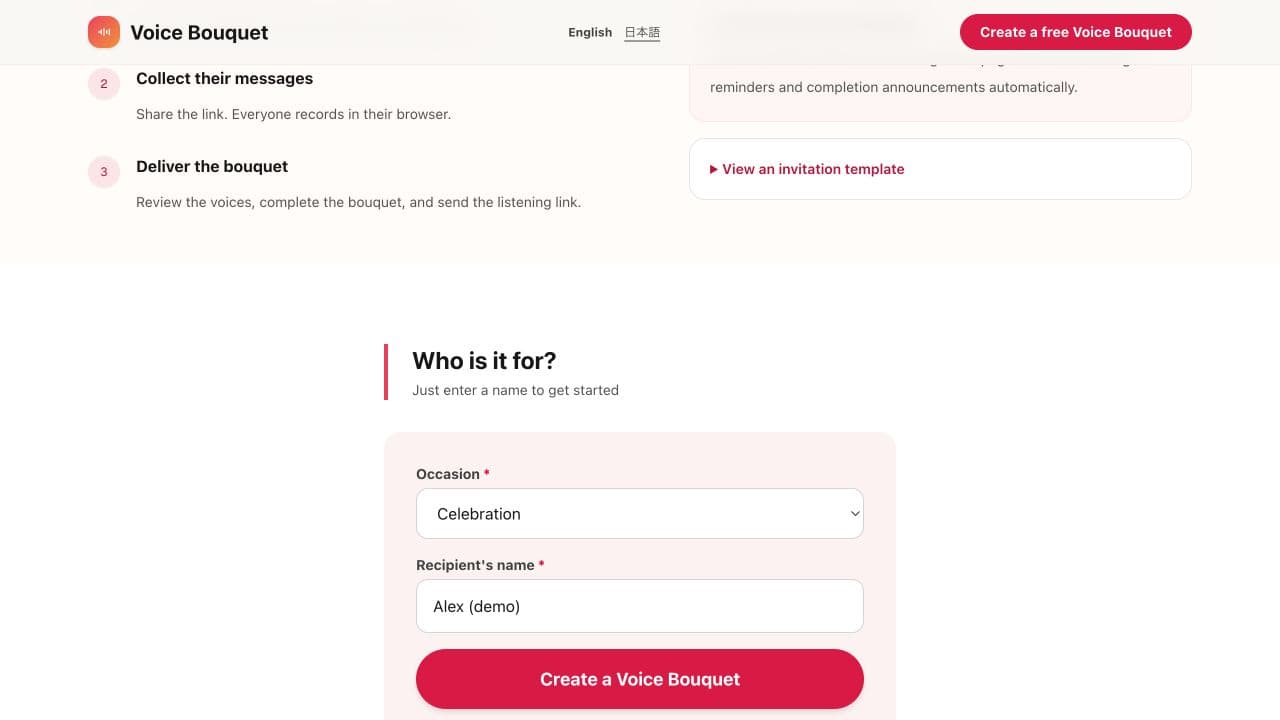
Choose an occasion and enter the recipient’s name. After creating the bouquet, use the recording link shown in the management screen. The management link is for organizing the gift, so do not include it in the invitation.
03
Send the link, the deadline, and an example
Text, email, or your usual group chat works. Include the recipient’s name, a deadline with a time zone, and a short prompt. Let people know they do not have to sound polished.
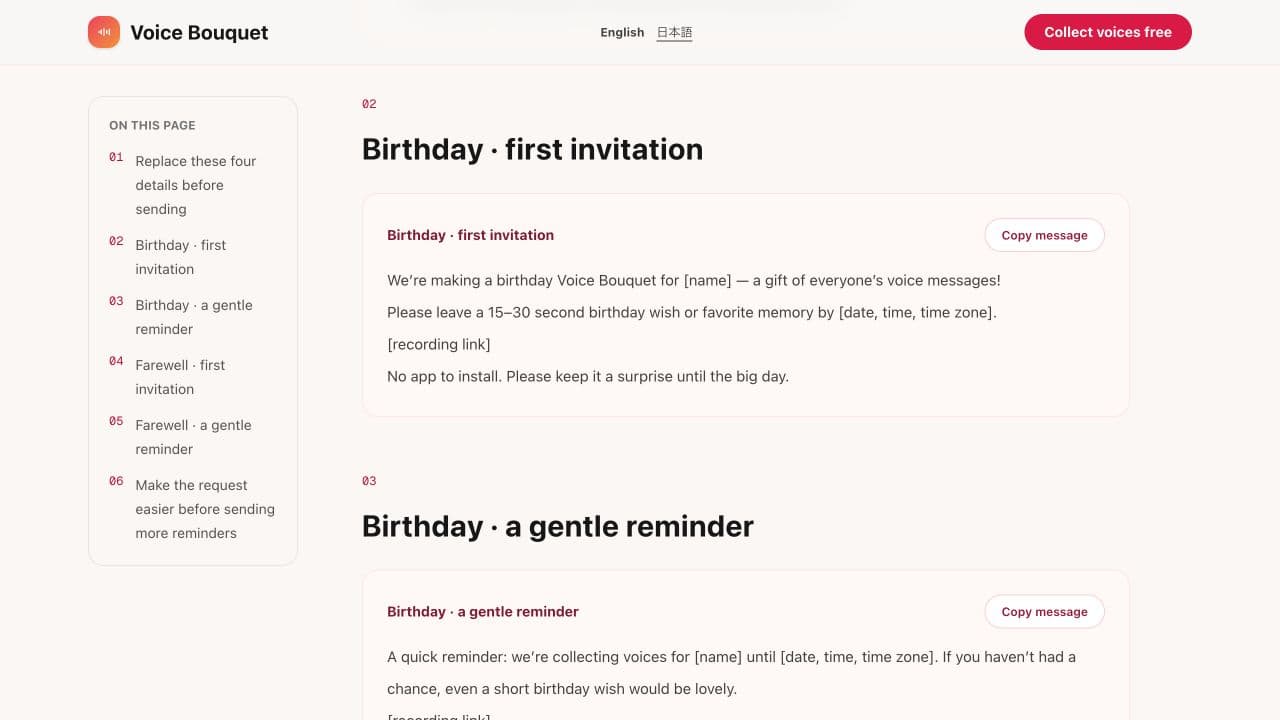
A first invitation
We’re collecting birthday voice messages for [name]! Please record a 15–30 second message by [date, time, time zone]: [recording link] One favorite memory and a happy birthday are plenty. No need to film yourself or make a speech. Please keep it a surprise until [date].
04
Everyone records in their browser
Contributors open the link, allow microphone access, and record. They do not need to install an app. Ask them to listen back before sending so they can check that their name and message are audible.
If recording does not start, check the browser’s microphone permission. Opening the link directly in Safari or Chrome may help when an in-app browser cannot access the microphone. A quiet room matters more than having a special microphone.
05
Complete the bouquet and send the listening link
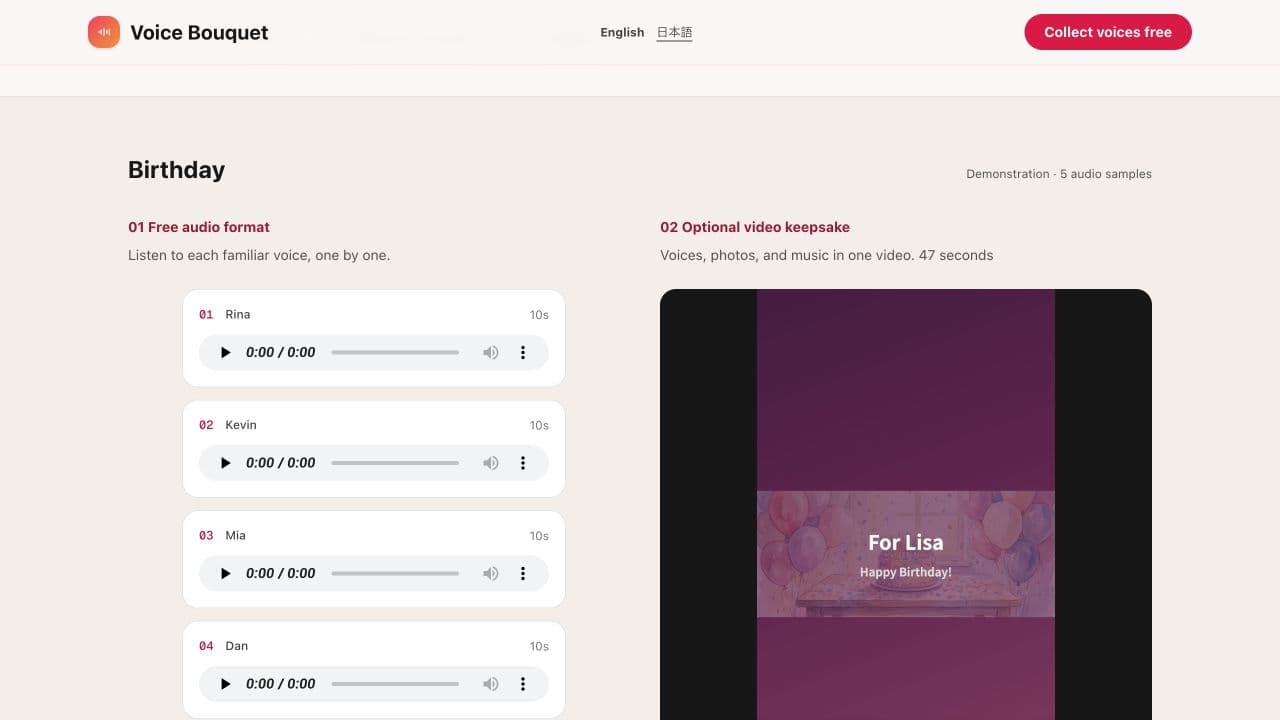
Review the collected voices, complete the bouquet, and share the listening link with the recipient. Creating, collecting, and delivering the bouquet is free. Check that you are sending the listening link, rather than the recording or management link.
If you also want a video, the optional video brings the birthday wishes, photos, and music together and is free for now. After completing the bouquet, create it from the management page and download it to watch again anytime. The listening link alone is enough to deliver the voices.
06
Check the handoff before the big day
- Check the recipient’s name and play the messages.
- If you will play the gift at a party, test the speakers and internet connection.
- For a private delivery, add “Open this somewhere you can listen.”
- If you want the video, finish generation and download ahead of the event.
The process in 45 seconds
A demonstration of the workflow, using example data.